Meridian
A scroll-driven WebGL landing page for a container haulage company that does not exist — every model in the scene written as a Blender script, 274 KB for the whole thing.

// notes
What it is
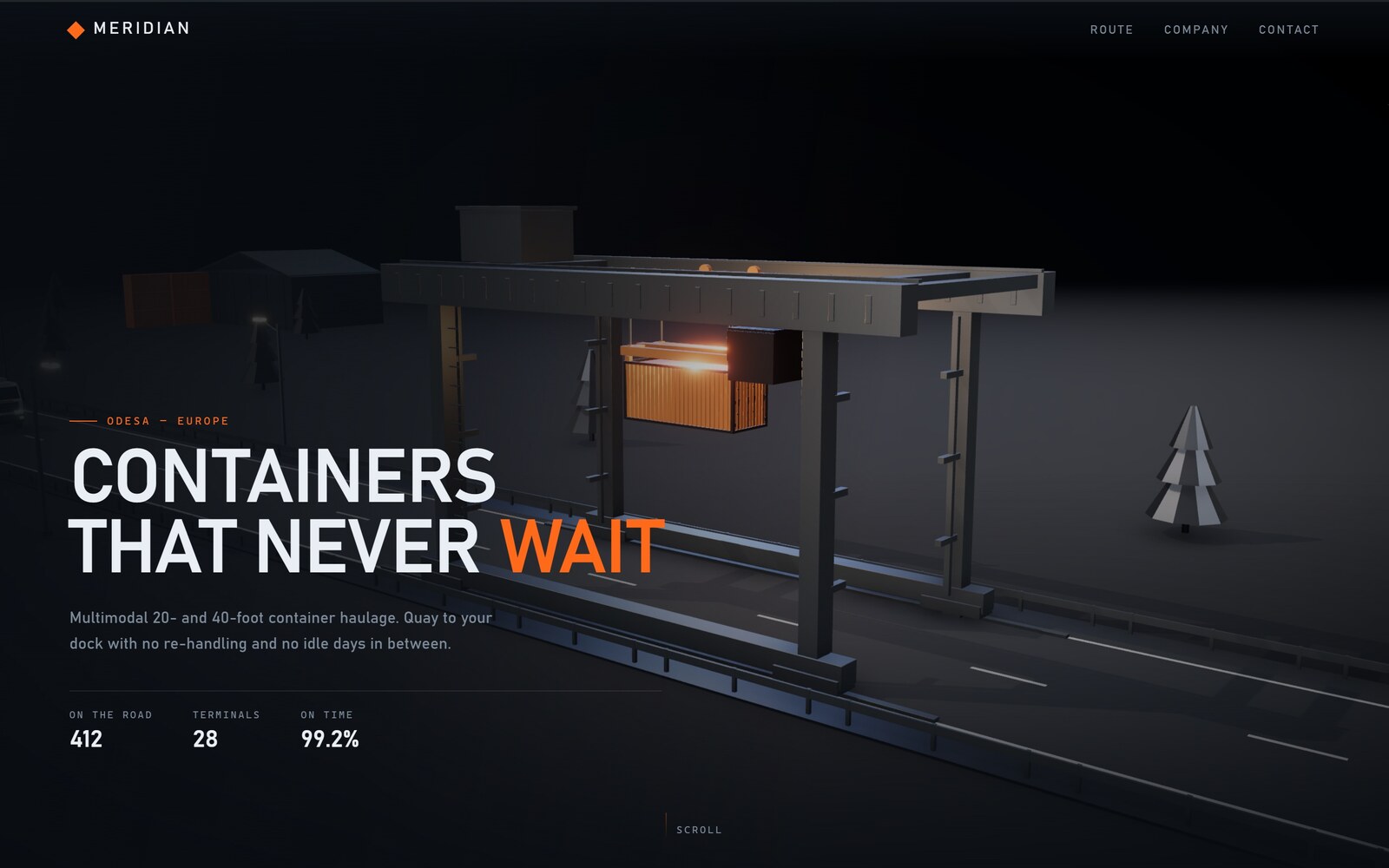
Meridian is a landing page for a container haulage company that does not exist. The company is invented; everything else on the page is real. It runs live at zborys.dev/demo/meridian, and nothing in it is video — every frame is 3D rendered in the browser while you scroll.
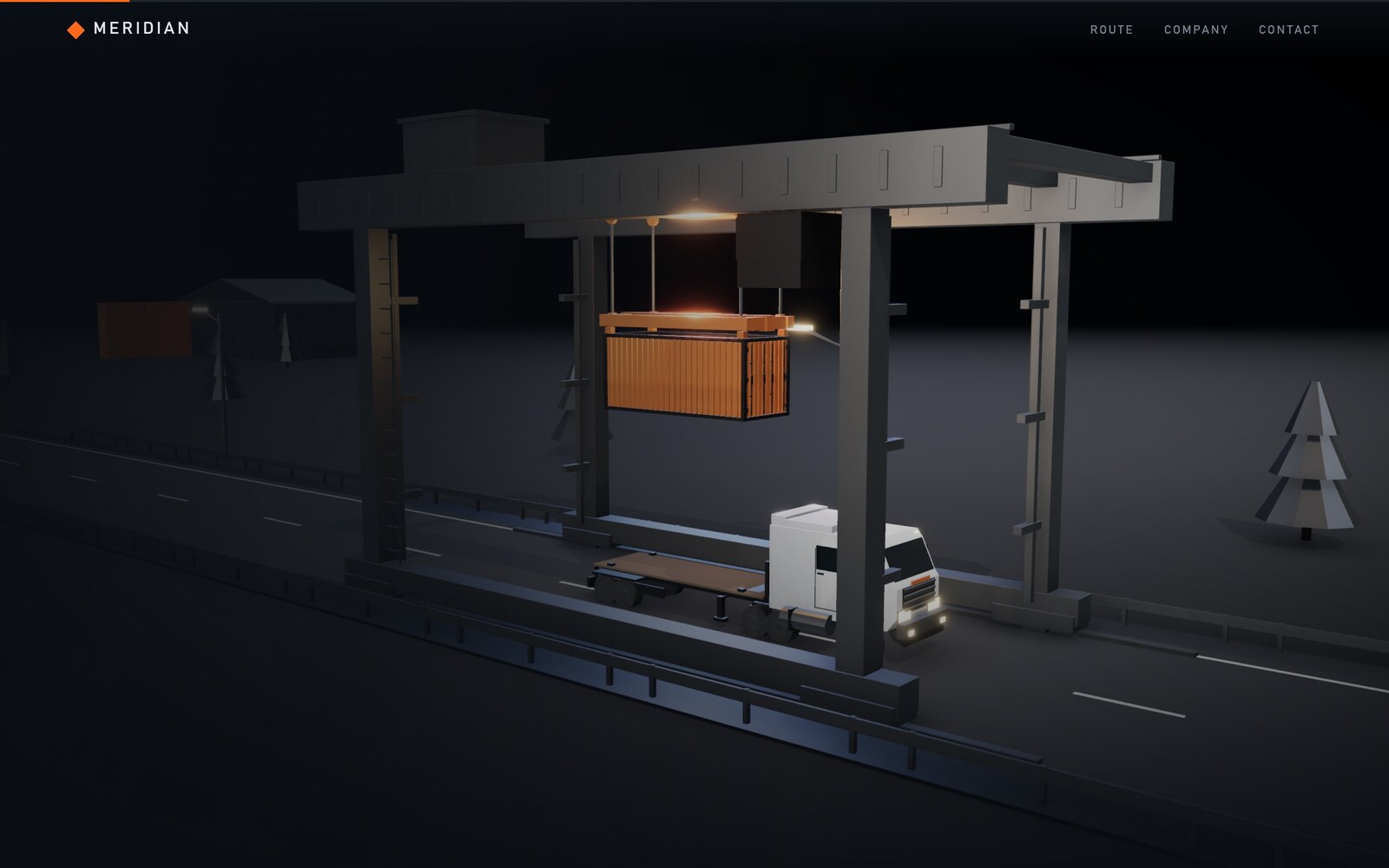
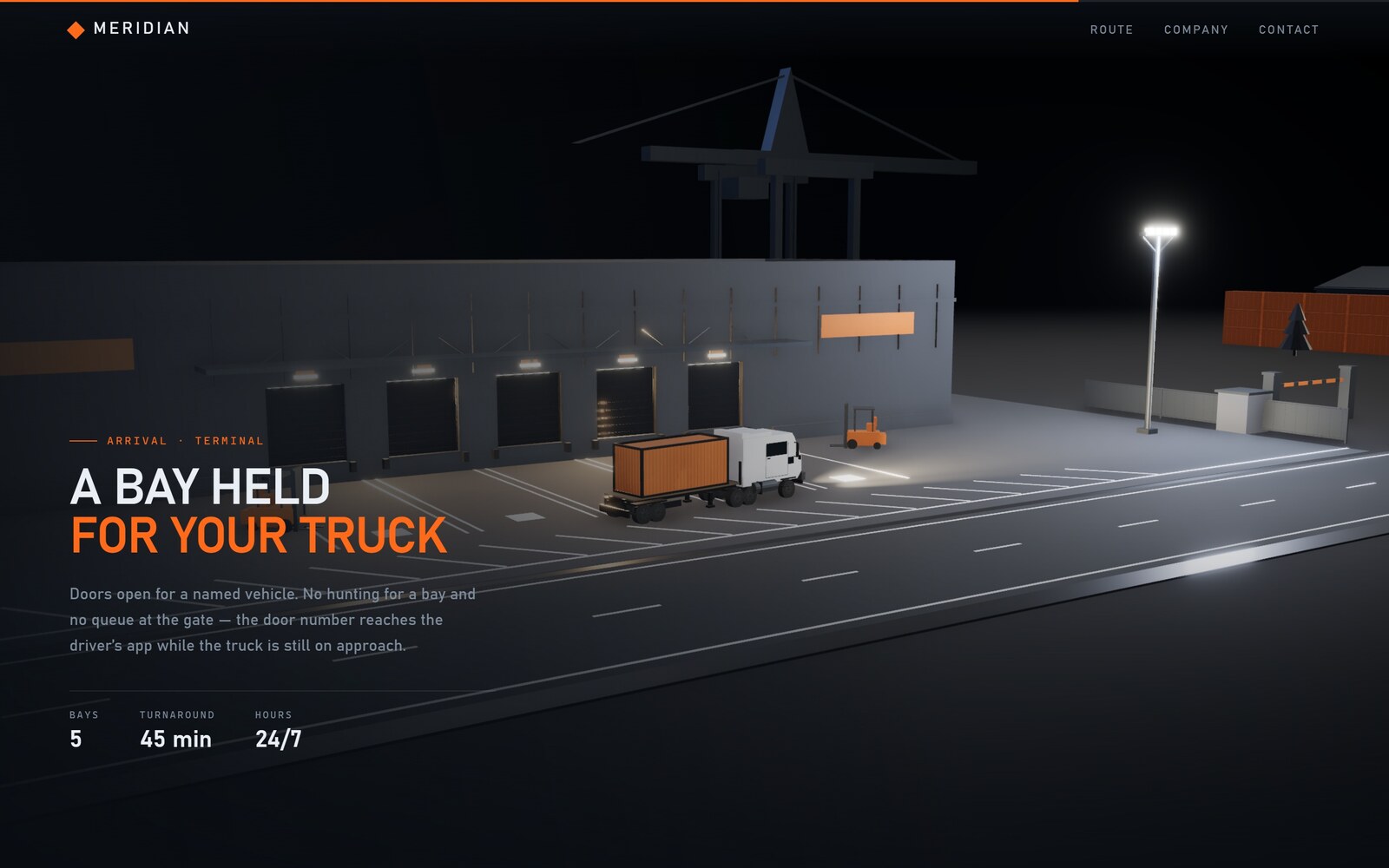
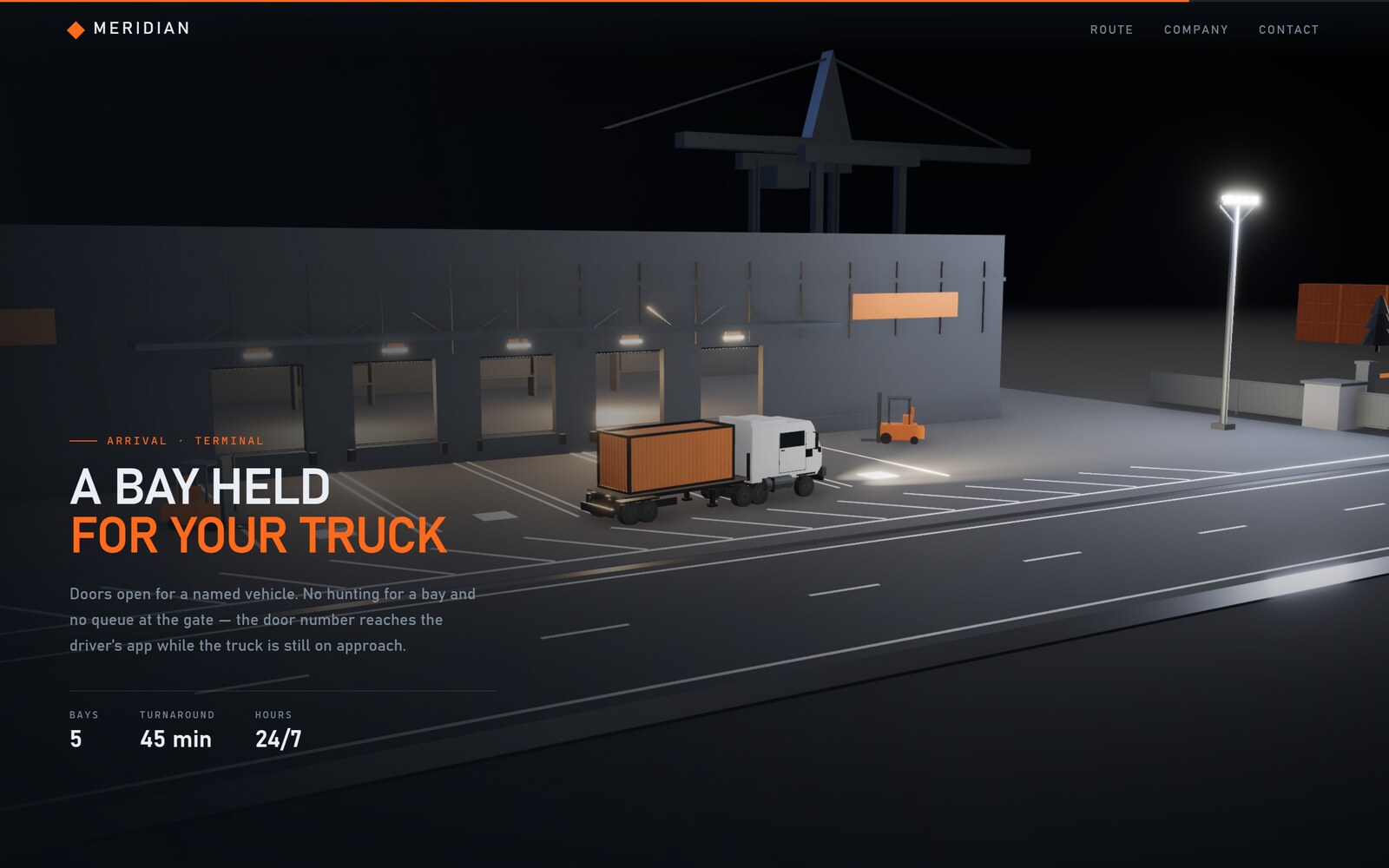
The page is one continuous journey. A gantry crane lifts a container off the quay and sets it on a truck; the truck drives through the night; at the end a terminal opens a bay for it. Scroll position is the only input. Nothing plays on its own, so the story runs backwards just as cleanly as forwards.
Open the live build ↗ — it is best on a desktop, and it takes about a second to load the models before the first frame.
The problem
Logistics companies all sell the same sentence: your cargo does not sit around waiting. The standard way to illustrate that sentence is a photograph of a port at sunset, which illustrates nothing — a still photograph is the exact opposite of the claim. I wanted the page itself to make the argument: if the promise is continuous movement, then the page should be continuous movement, and it should be the visitor's own scroll that keeps the box moving.
That turns a marketing claim into a constraint I can actually fail at. Either the container gets from the quay to the dock without a seam, or the story falls apart in front of the reader.
The approach
Everything on screen is generated, nothing is downloaded. The crane, the truck, the container, the roadside props and the terminal are all built by Python scripts in Blender — boxes, cylinders and extruded profiles, assembled and exported to glTF with Draco compression. All six model files together weigh 274 KB, which is less than one stock photograph, and any of them can be rebuilt from source by rerunning its script.
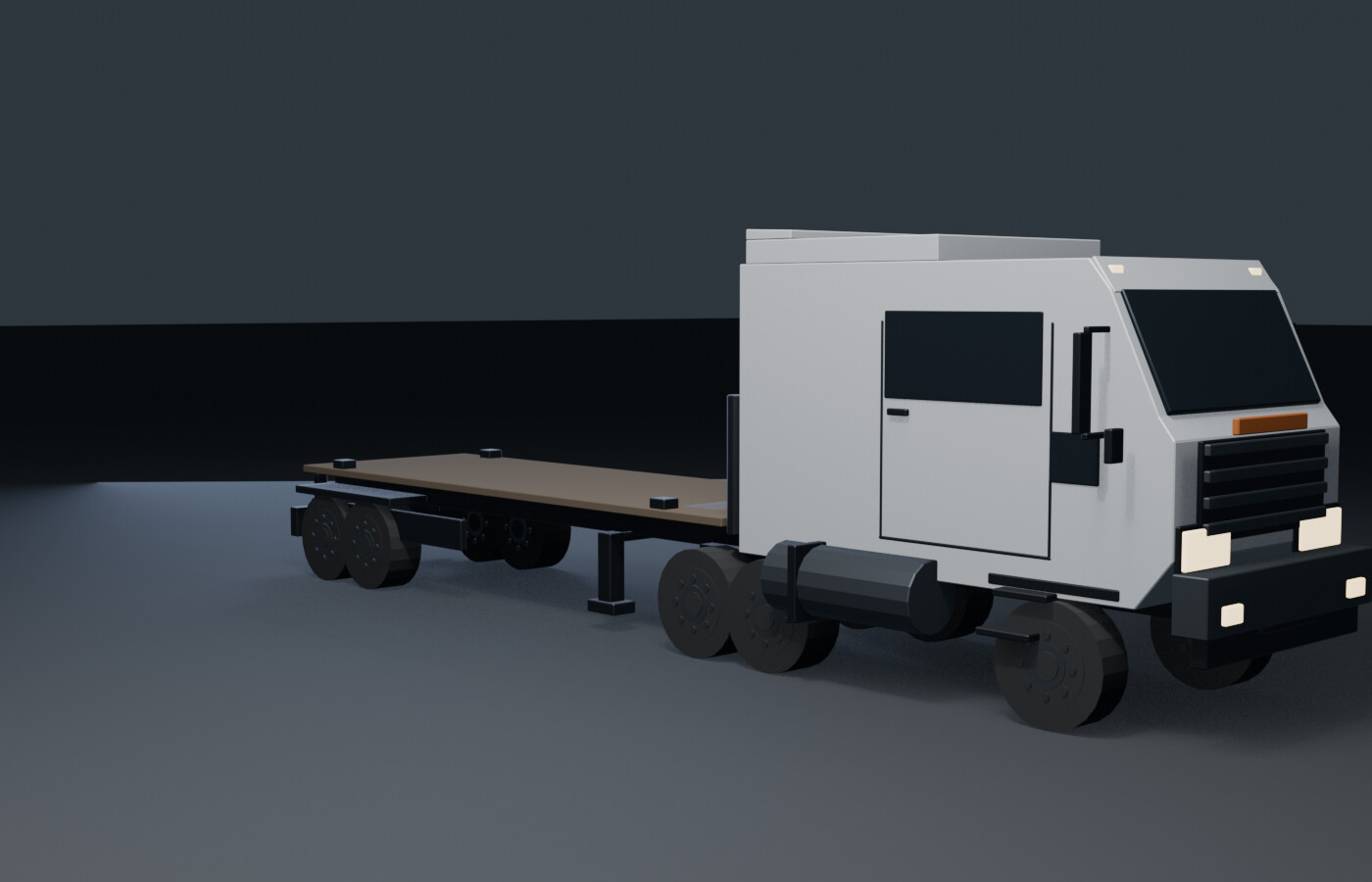
The page itself is React Three Fiber for the scene and GSAP ScrollTrigger, driven by Lenis for the smoothing. The animation state lives in a plain mutable object rather than in React state: GSAP tweens its fields, the render loop reads them out onto the 3D objects. Routing that through setState would re-render the tree sixty times a second to move a truck four metres.
Key decisions
The truck's origin sits at the centre of the container slot on its deck. That one choice means the truck's position along the road is also the container's position. When the crane releases the box and it stops being cargo-in-the-air and becomes cargo-on-a-trailer, there is no conversion to do — the coordinates already line up, so the handoff is invisible. The same decision pays for itself a second time at the terminal, where the truck leaves the lane and the container simply copies its position and heading through the turn.
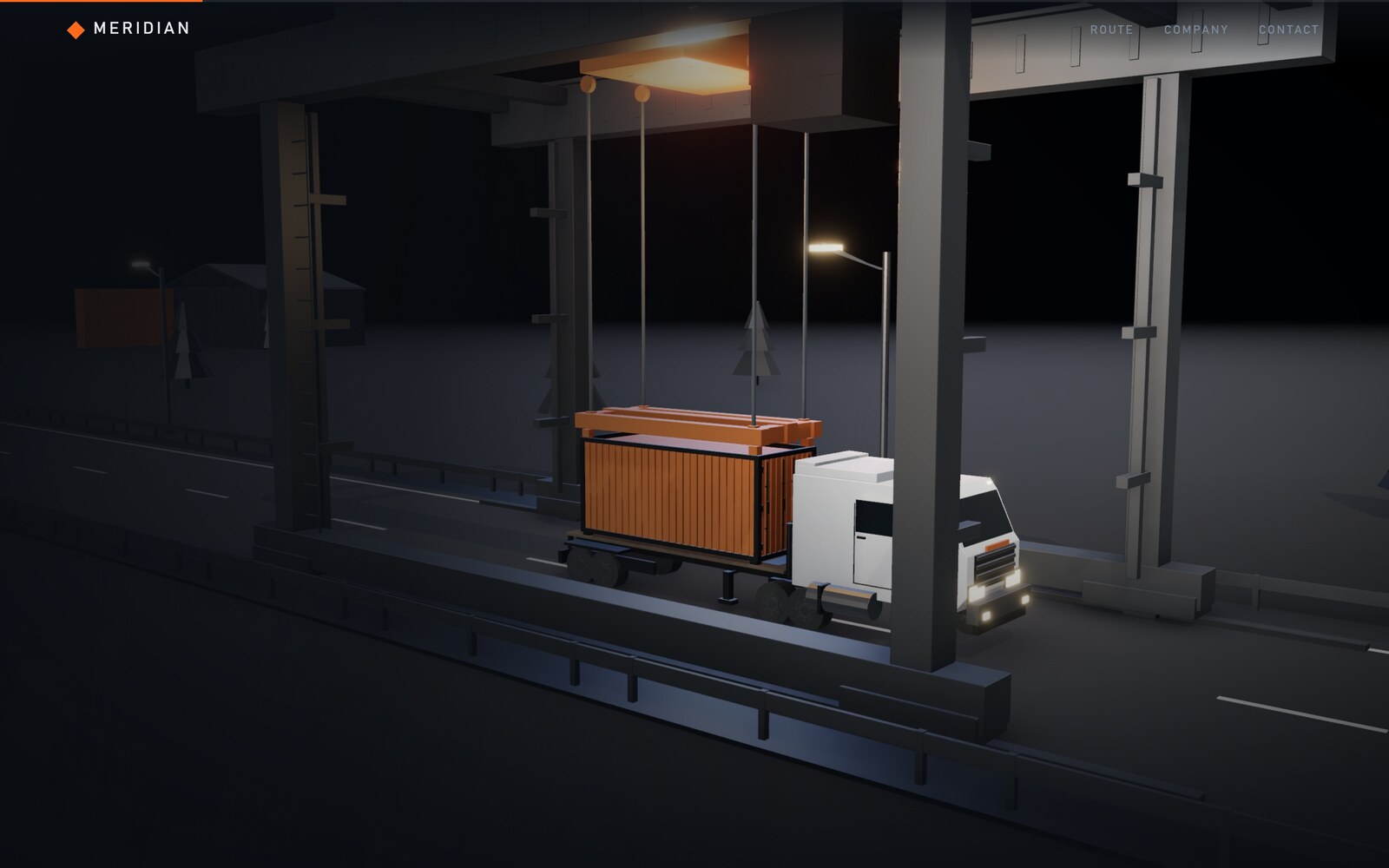
Three scenes, one timeline. The scenes started as three independent ScrollTriggers, and there was a bug I could only reproduce by jumping across a section instead of scrolling smoothly: the truck should have been standing at the terminal, but it slid sideways without moving forward. All three scenes write the same handful of fields, and with separate triggers the write order inside a frame was undefined — the last writer could be the finished timeline of the previous scene. Nesting all three under one master timeline makes the order defined. The class of bug disappears structurally instead of being tuned away.
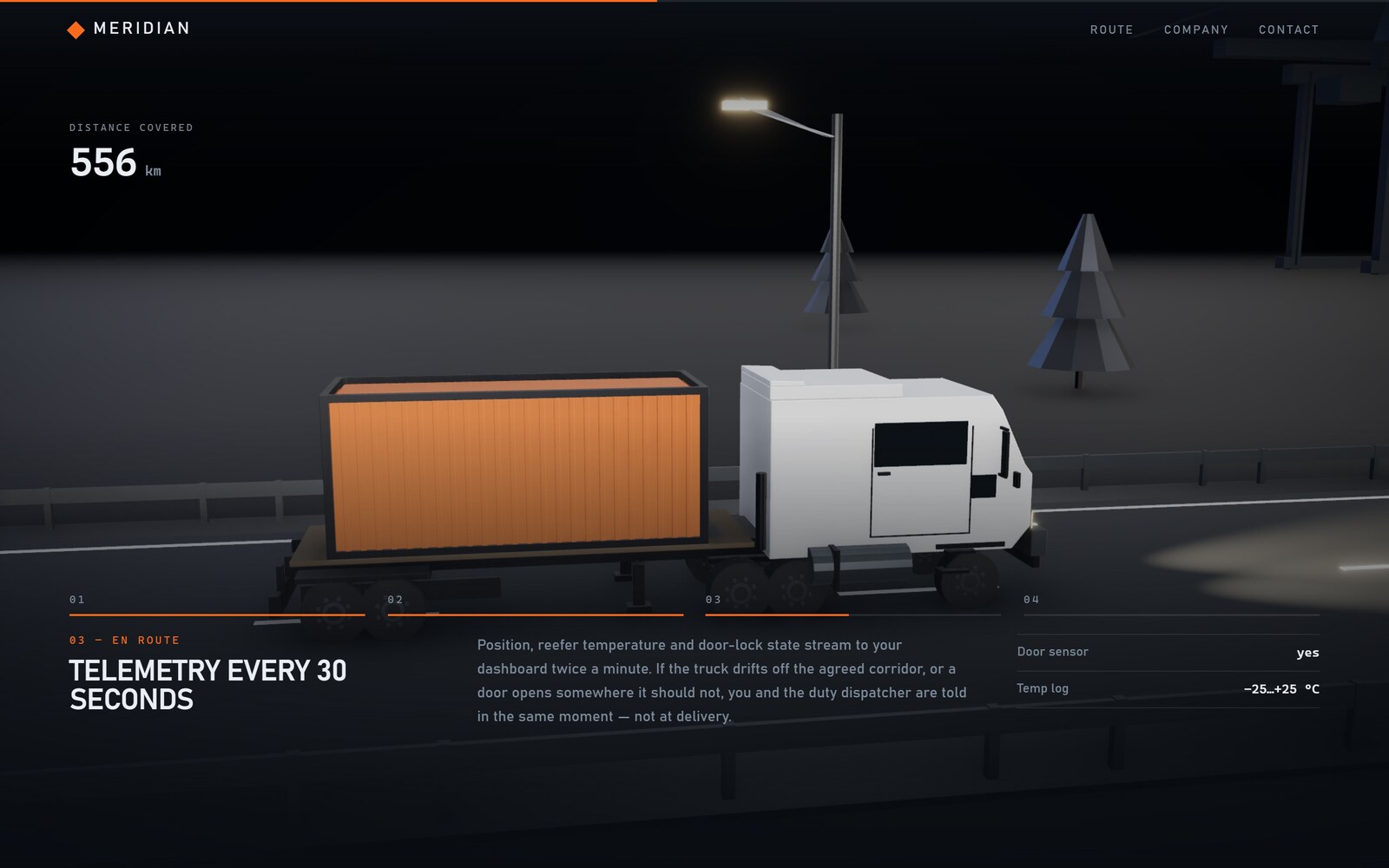
Nothing is pinned. The canvas is already fixed across the whole viewport and each section holds a sticky block of text, so pinning buys nothing — and skipping it removes an entire family of layout problems.
Post-processing is a device decision, not a taste decision. The effect chain costs roughly half the frame rate: 144 fps without it, 76 with it, at 237 meshes and about 42,000 triangles. So it is switched off on phones and on machines with four logical cores or fewer, and those devices never download the 409 KB it would have cost them. The build ships as 685 KB over Brotli, split so that three.js, the motion library and the effect chain cache independently of my own code.
Identity and design
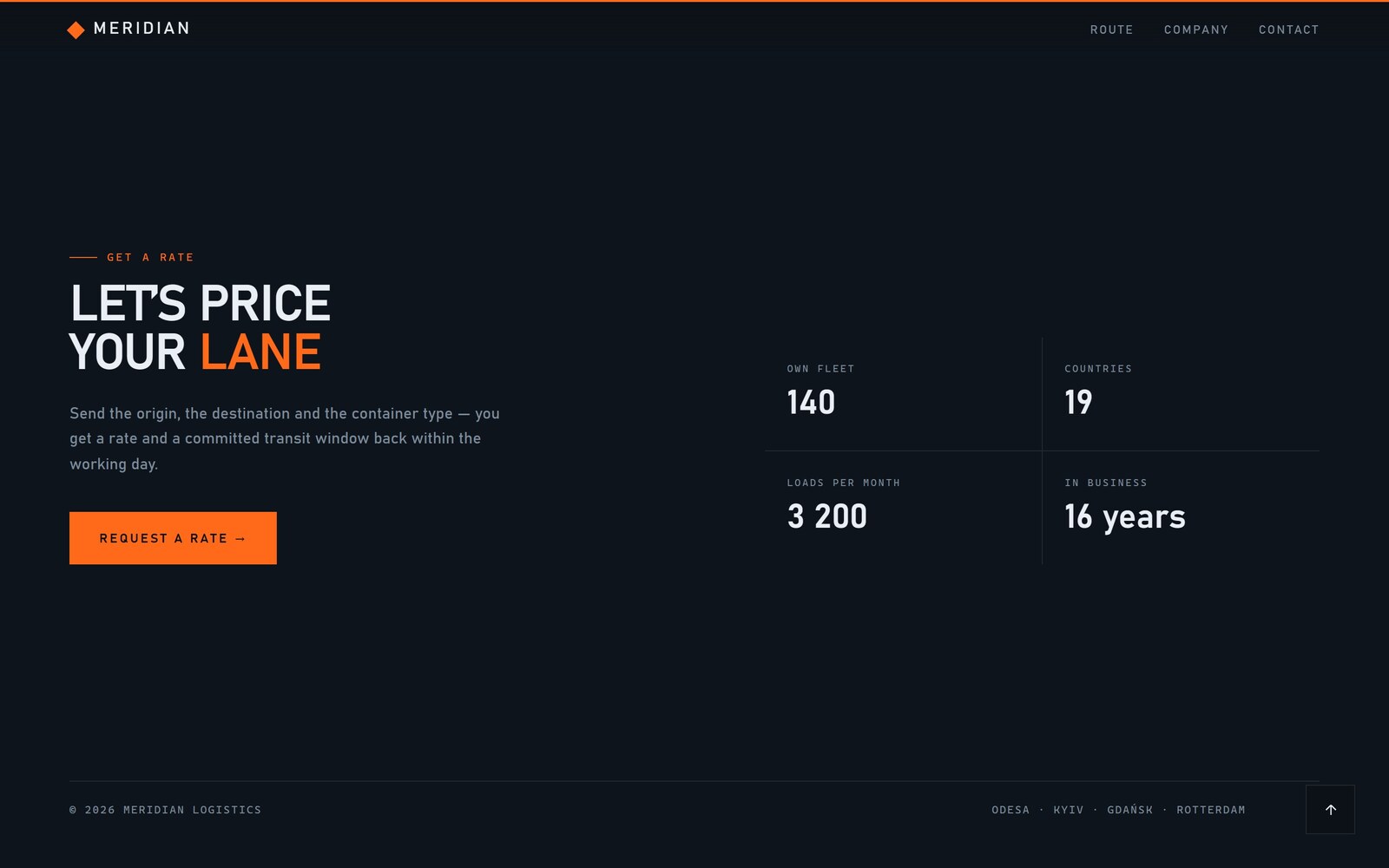
The palette is one night and one accent: a blue-black ground, cold steel for the machinery, and a single orange that appears only on things that mean something — the loaded container, the scroll progress bar, one word in the headline. Everything else is muted, so the eye follows the cargo.
The type is a wide industrial grotesk for the headlines and a monospace for labels, both from the system stack. There is not a single webfont request on the page — which is not asceticism, it is the same instinct as the 274 KB of models: on a page where the scene has to start moving immediately, everything that loads before the first frame has to justify itself.
What's there now
The page is finished and deployed: three scenes, about 15,000 pixels of scroll, six models, no backend, no database, no analytics and no third-party request of any kind. It is a static directory behind nginx, which is the point — a site this heavy on motion should still be a folder you can copy.
I built it with Claude Code driving a stack of installed design and animation skills (Three.js, React Three Fiber, GSAP ScrollTrigger, the Blender-to-web pipeline), the same way I work on everything else here: I decide what the thing is and what is wrong with it, and the machine does the typing.
Lessons
Pick the coordinate system before the choreography. The invisible handoff between crane and truck was not animated well — it was made unnecessary. One decision about where an object's origin sits removed a whole category of tweaking, twice.
An ordering bug is not a timing bug. The sliding truck looked like an animation that needed tuning. It was two timelines allowed to write the same value in an undefined order. Structure fixes it once; tuning would have fixed it until the next section jump.
Generating the assets was cheaper than sourcing them. I expected the Blender scripts to be the expensive part of this project. They were the part that made everything else negotiable: when a model was wrong, changing it was editing a file, not searching a marketplace and re-fitting a new mesh into a scene built around the old one.
The framing is composed for a wide screen, and on a portrait phone it shows. The camera pulls back along the same vector to keep the crane in frame instead of opening up the lens, which preserves the composition but leaves more empty ground than it should. It is a known trade-off, not an oversight — the fix is to raise the look-at point rather than the camera, and it is the next thing I would do.
// gallery